
FlyCart 30 for Remote Solar Farm Monitoring
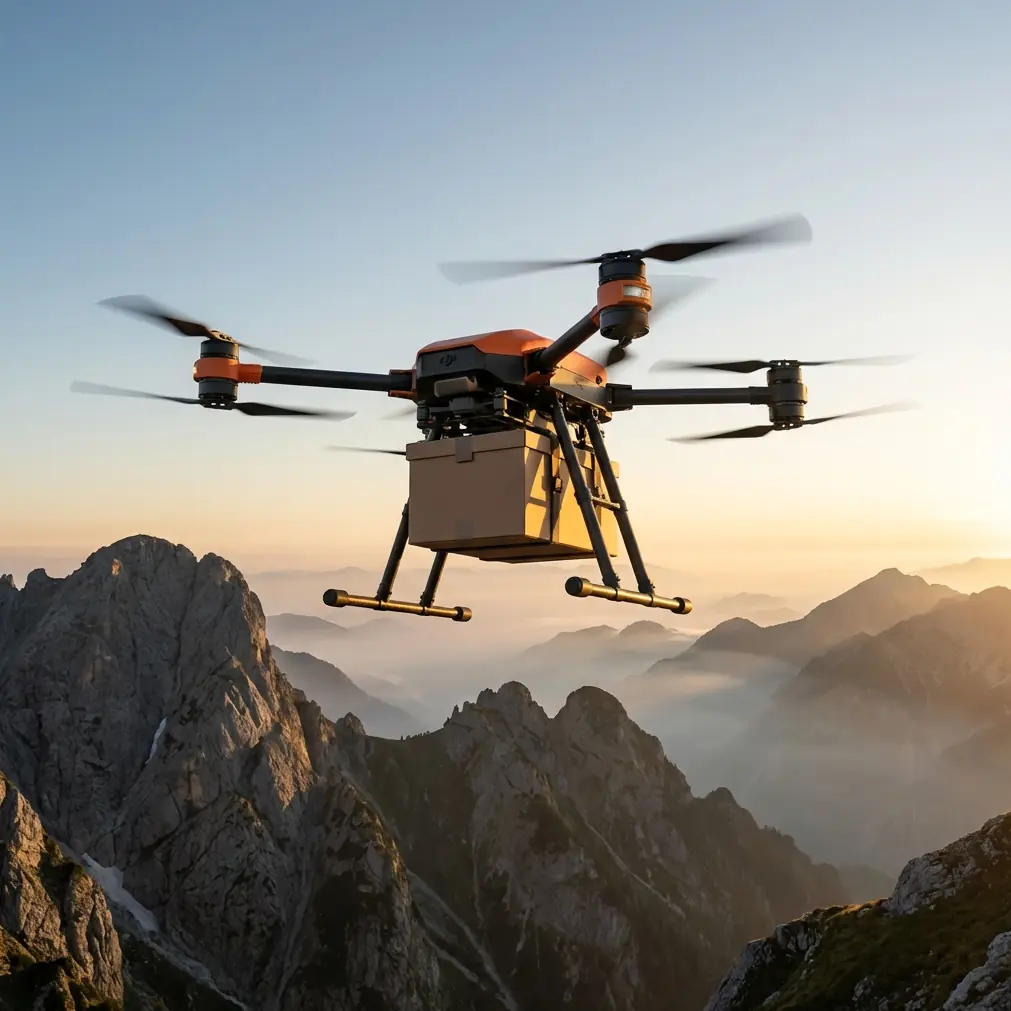
FlyCart 30 for Remote Solar Farm Monitoring: What Actually Matters in the Field
META: A field-driven case study on using FlyCart 30 for remote solar farm monitoring, with practical insight on battery management, route planning, winch operations, and BVLOS-ready workflows.
Remote solar sites expose every weakness in an operation.
Distance stretches response times. Heat punishes batteries. Terrain turns a short drive into a half-day commitment. And when a string fault, inverter alarm, or fencing issue appears at the far edge of a utility-scale site, the real problem is rarely the defect itself. It is how long it takes your team to get eyes on it, verify it, and move the right tool or component to the right place.
That is where the FlyCart 30 starts to make sense.
I say that as someone who has spent more time than I care to admit trying to coordinate field checks across remote energy assets. My role is logistics, not theory. The question I keep coming back to is simple: can this aircraft reduce wasted motion without creating new operational friction? For solar farm monitoring, the answer depends less on headline specifications and more on workflow discipline, battery handling, and how well you build repeatable routes around the site’s actual pain points.
Why remote solar monitoring is a logistics problem first
People often frame drone deployment at solar farms as an imaging task. That is only half right.
Inspection quality matters, of course. But the bigger issue is how to cover a large site consistently when the nearest technician may be several kilometers away from the anomaly, the access roads are rough, and every unnecessary trip eats into uptime. On remote sites, monitoring is inseparable from transport. You are not only collecting data. You are compressing travel time, delivering lightweight tools or replacement items, and verifying conditions before dispatching a vehicle or technician.
That is why a cargo platform like the FlyCart 30 deserves attention in this setting. The aircraft sits at the intersection of monitoring and field support. It can help a solar operator do more than observe. It can move things that shorten the repair loop.
Payload ratio matters here. If the aircraft can carry a practical set of support items relative to the total operational burden, the drone stops being a novelty and becomes a time-saving tool. On a remote solar farm, that might mean sending diagnostic gear, small replacement parts, hand tools, safety consumables, or communication equipment directly to a work area while the operations team confirms site conditions from the air.
That is a different proposition from using a standard camera drone for imagery alone.
The overlooked truth: usability wins in harsh environments
One of the more interesting reference points behind this article comes from an unexpected place: a discussion of Huawei camera Professional mode. On the surface, that has nothing to do with heavy-lift UAVs. But the lesson is directly relevant.
The source points out that many users stay in Auto mode and never use the hardware’s full capability. It also describes something very practical: in Huawei’s camera app, you open the camera, swipe left to enter “Professional” mode, and all the key parameters appear on a single page.
That design principle matters for drone operations.
On remote solar assets, you do not want crews fumbling through layered menus when wind shifts, glare changes, or a battery swap needs to happen quickly. The best field systems expose the critical controls clearly, in one place, in a way that helps operators move from default behavior to informed control. That is not just a convenience feature. It reduces mistakes.
The Huawei reference is useful because it captures a universal operational problem: people default to automated settings even when the job demands finer control. In drone work, the equivalent is relying on standard mission behavior without adapting route spacing, descent logic, payload handling, battery thresholds, or delivery sequencing to the site in front of you.
The teams that get the most from a FlyCart 30 are the ones that resist “Auto mode thinking.”
A FlyCart 30 case study mindset for solar farms
Let’s use a practical scenario.
A remote solar farm spans a broad footprint, with repeated alarms coming from arrays near the outer perimeter. The maintenance base is centralized, and reaching the affected blocks by vehicle takes too long when roads are soft after weather or partially obstructed by ongoing civil work. The operations goal is not just to inspect. It is to verify the issue, move light support equipment outward, and avoid dispatching the wrong resources.
In that environment, FlyCart 30 becomes useful in three connected roles:
- Rapid visual verification
- Targeted support delivery
- Route-based recurring patrols
The first role reduces uncertainty. The second reduces technician downtime. The third turns one-off responses into a managed monitoring system.
This is where BVLOS planning, route optimization, and the winch system all come together.
BVLOS is not a buzzword here
On large remote solar properties, BVLOS is operationally meaningful because line-of-sight limitations are often a function of scale rather than complexity. A well-structured BVLOS workflow allows you to monitor farther sections of the site without moving your launch team every time an alert appears in a distant block.
That can save real hours over a week.
But BVLOS only pays off if your route architecture is disciplined. I have seen teams overcomplicate this. They build beautiful mission maps that look efficient on a screen and then break down under actual field conditions. The fix is straightforward: design routes around maintenance logic, not geometry alone.
For example, route optimization should reflect:
- inverter cluster locations
- likely fault recurrence zones
- road accessibility for ground crews
- emergency landing options
- handoff points for payload drops or winch lowers
When you map those factors correctly, the aircraft is not simply flying the shortest line. It is flying the most useful line.
Why the winch system changes the job
For solar farms, the winch system is often more valuable than operators expect.
Landing a cargo aircraft near sensitive equipment, uneven ground, or dusty service lanes is not always the smartest choice. A controlled lowering system can place a small item where it is needed without forcing a touchdown in a poor landing environment. That reduces rotor wash issues, avoids awkward terrain, and keeps the aircraft clear of obstacles.
Operational significance matters here. A winch is not just a delivery accessory. It changes the risk profile of the mission.
At remote sites, that can mean lowering:
- a replacement handheld meter
- a thermal or visual inspection accessory
- small repair consumables
- communication gear for a field technician
- lightweight tools needed to confirm or isolate a fault
Used well, the winch system helps bridge the last few meters of a mission more safely and with less disruption.
My field rule for dual-battery management
If there is one battery management tip I would insist on for remote solar monitoring with a FlyCart 30, it is this: do not treat a dual-battery setup as permission to stretch a mission. Treat it as a buffer to protect mission quality.
That sounds obvious. In practice, many crews do the opposite.
A dual-battery aircraft creates psychological slack. Teams see extra endurance and start adding one more segment, one more pass, one more drop, one more verification loop. On remote sites, especially in high heat, that is how battery planning gets sloppy.
My rule is to pair batteries by behavior, not just by charge status.
If one battery has consistently seen hotter afternoon cycles or more aggressive discharge patterns, I do not like mixing it casually into a mission set with a healthier pack and assuming the system will even things out for me. Keep battery pairs tracked. Rotate them intentionally. Watch how site temperature changes the afternoon performance profile. And if you are building recurring solar patrols, assign battery sets to route classes rather than to random aircraft availability.
In plain terms:
- shorter verification flights can use one battery pair group
- recurring perimeter or outer-block routes can use another
- payload delivery missions should have their own stricter reserve standards
That kind of structure keeps the dual-battery advantage working for you rather than hiding avoidable inconsistency.
On hot solar sites, I also prefer staging batteries out of direct radiant exposure from panel rows and service surfaces. People underestimate how much ambient and reflected heat can distort an otherwise tidy battery plan. A shaded prep point, even a modest one, can improve consistency over a long day.
Emergency systems are not background features
The emergency parachute deserves more attention in this application than it usually gets in marketing summaries.
Remote solar farms feel open and forgiving, but they are still infrastructure-heavy environments. There are panel tables, combiner boxes, fencing, tracking systems, and maintenance corridors. If an aircraft issue develops, you want layered protection that aligns with asset safety as much as aircraft recovery.
That is the operational significance of an emergency parachute on this kind of site. It is not there to make the spec sheet longer. It is part of risk containment in an environment where a falling aircraft can damage equipment, interrupt access, or create secondary maintenance work on top of the original issue.
For managers trying to build internal acceptance for drone logistics over energy assets, that matters. Safety features are often what move a program from “interesting” to “approved.”
Turning one aircraft into a solar operations node
The most effective FlyCart 30 deployments I have seen are not built around heroic one-off flights. They are built around repeatable nodes in the workflow.
A typical pattern might look like this:
A site alert comes in from a remote block. The drone team launches on a pre-validated route optimized for that block and its neighboring arrays. The aircraft verifies conditions. If the issue looks minor but requires a technician check, a small tool kit or diagnostic item is delivered by winch to a predetermined handoff point. The ground technician arrives with better information and less waiting. If the problem turns out to be outside immediate field repair, the drone’s initial verification still saves an unnecessary full-service dispatch.
That is where the economics of time start changing.
It also changes how remote assets are staffed. You no longer need every person and every tool moving at the same moment. You can sequence response based on verified need.
The hidden lesson from the Huawei reference
That Huawei Professional mode article contains one deceptively simple detail: all the relevant controls are on a single page once you enter the mode.
For drone program managers, that should prompt a bigger question: are your crews actually using the aircraft’s advanced capabilities, or are they operating expensive hardware as if it were stuck in a default profile?
Many teams underuse capable platforms for the same reason phone users avoid manual camera controls: they assume complexity without realizing the controls are accessible once they know where to look. The Huawei example even highlights the basic action needed to access that deeper control set: open the app, swipe left, enter Professional mode.
The analogy holds. In field drone work, small interface habits and training shortcuts have outsized consequences. If crews know where the key operational settings live and can interpret them quickly, they make better decisions under pressure. If they do not, they stay in a metaphorical Auto mode and leave performance on the table.
That is why training for FlyCart 30 on remote solar farms should not stop at takeoff, route launch, and payload attachment. It should include decision drills around route edits, reserve thresholds, winch deployment conditions, and abnormal battery behavior.
What I would standardize first
If I were standing up a FlyCart 30 workflow for remote solar monitoring tomorrow, I would standardize five things before worrying about anything fancy:
1. Battery pair tracking
Not just charge logs. Heat exposure, route type, and discharge behavior.
2. Route classes
Verification, perimeter scan, technician support delivery, and post-repair confirmation should not share the same mission logic.
3. Winch handoff points
Predetermined locations reduce confusion and keep delivery behavior consistent.
4. Emergency decision criteria
Including what triggers an abort, reroute, or deployment of safety procedures.
5. Control familiarity
The UAV equivalent of knowing how to enter Huawei’s Professional mode and seeing all key settings on one page. Crews need a fast path to meaningful control, not blind reliance on defaults.
Those five items will do more for outcomes than a dozen scattered “best practices.”
Final take
FlyCart 30 makes the most sense on remote solar farms when you stop thinking of it as a flying truck and start treating it as a mobile response layer. It can inspect, support, and shorten the gap between alert and action. Its value grows when payload capacity, route optimization, BVLOS planning, dual-battery discipline, and winch deployment are treated as one system rather than separate features.
And the strange but useful parallel with the Huawei camera reference is this: advanced hardware only helps if operators move beyond the comfort of automatic behavior. The source notes that many people never use more than Auto mode, even though the phone’s professional controls are easy to access and visible on a single screen. Drone teams fall into the same trap all the time.
The crews that get real operational gains from FlyCart 30 are the ones that know where the controls are, what the numbers mean, and when field conditions justify switching from convenience to deliberate control.
If you are building that kind of workflow and want to compare notes on route planning or site setup, you can message our field team here.
Ready for your own FlyCart 30? Contact our team for expert consultation.